The Big Picture: Your Own Private Street
Chapter 3 explained that programs never touch real RAM addresses. Windows gives each process a virtual address space: a long street of numbered house addresses that belongs only to that process. Behind the scenes, Windows and the CPU translate each street address to a real spot in RAM (or on disk).
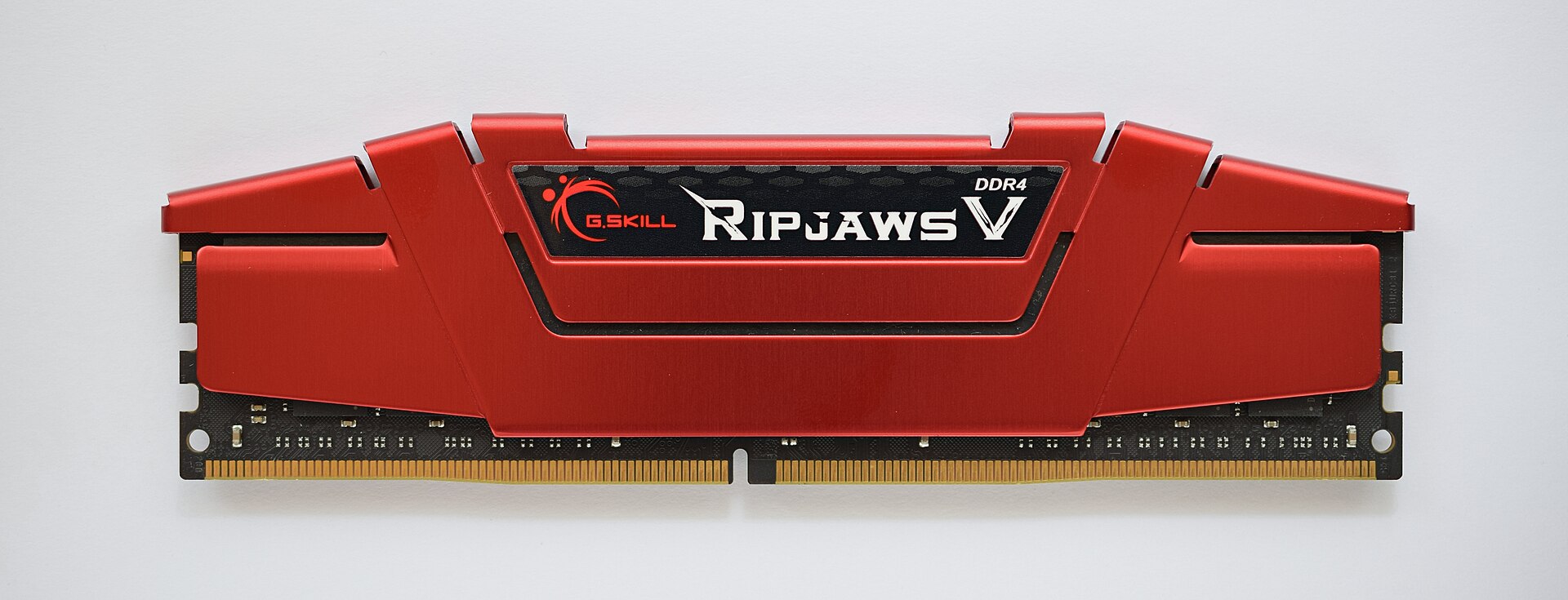
Figure 9.2 — A DDR4 memory stick. The real RAM is shared by every process, but each process only sees its own virtual street of addresses that Windows maps onto it. Photo: ElooKoN, CC BY-SA 4.0, via Wikimedia Commons.
.jpg)
4.1 Virtual Address Space (32-bit vs 64-bit)
What it is: The virtual address space is the full range of addresses a process can use. Its size depends on how many bits an address has.
| 32-bit process | 64-bit process | |
|---|---|---|
| Address size | 32 bits | 64 bits (Windows uses fewer in practice) |
| Space for the program | 2 GB by default (4 GB if the program is marked "large address aware" and runs on 64-bit Windows) | Very large: 128 TB for user mode on 64-bit Windows 10 and 11 (about) |
| Kernel's share | The other half (or less) | A separate, huge kernel area |
| Typical limit | Runs out of space on big jobs | Limited by RAM and the page file instead |
Notice that a virtual address space can be much bigger than your RAM. A 64-bit process can have an address space of terabytes on a PC with 16 GB of RAM. Only the parts being used need real memory. The rest is empty, or on disk (the page file, see Section 7).
On 64-bit Windows, 32-bit programs still run, using a compatibility layer called WOW64. In Task Manager they show as "(32 bit)" in the Details tab name.
To see a process's memory in Task Manager (Details tab): add the columns Memory (private working set), Commit size and Working set.
| Column | Plain meaning |
|---|---|
| Working set | The part of the process's memory that is in RAM right now |
| Private working set | The part of that which is private (not shared with other processes) |
| Commit size | How much memory the process has promised to use (backed by RAM or the page file) |
4.2 Process Layout (Code, Heap, Stack, Data)
What it is: Inside the address space, different kinds of things live in different regions. Here is a simplified picture of one 64-bit process. (The exact order is randomized by ASLR on purpose, so do not rely on the order.)
 High addresses
 +----------------------------------------+
 | Kernel area (not reachable by the app) |
 +----------------------------------------+
 | System DLLs (ntdll, kernel32, ...)     |  <- shared with other processes
 +----------------------------------------+
 | Stack of thread 1       (grows down)   |
 | Stack of thread 2       (grows down)   |
 +----------------------------------------+
 | Heap(s)                 (grows as used)|  <- private
 +----------------------------------------+
 | PEB / TEBs (process & thread info)     |
 +----------------------------------------+
 | Program image (.exe)                   |
 |   .text  code      (read-only, shared) |
 |   .rdata read-only data                |
 |   .data  global variables (private)    |
 +----------------------------------------+
 | Unused / reserved                      |
 Low addresses
| Region | What lives there | Private or shared? |
|---|---|---|
Code (.text) | The program's instructions | Can be shared between processes running the same file (read-only) |
Data (.data, .rdata) | Global variables, constants | Constants shared; changing data becomes private |
| Stack | Temporary data of a running function (4.3) | Private, one per thread |
| Heap | Memory the program asks for as it runs (4.4) | Private |
| DLLs | Code from libraries (Section 8) | Code shared; their changed data is private |
| Shared memory sections | Memory deliberately shared with others (Section 9) | Shared |
Private vs shared: Private memory belongs to this process alone. Shared memory is a single piece of real RAM that appears in several processes' address spaces. Windows uses sharing for read-only code, so ten processes using the same DLL do not need ten copies in RAM. If a process tries to change a shared page of data, Windows quietly makes it a private copy first (called copy-on-write).
4.3 Stack Per-Thread
What it is: The stack is a thread's scratch notebook. Each time the thread calls a function, a new "page" (a stack frame) is added holding that function's local variables and the place to return to. When the function ends, the page is thrown away. Like a stack of plates: last in, first out.
 main() calls A(), A() calls B()

 +--------------+   <- top (newest)
 | B's variables|
 +--------------+
 | A's variables|
 +--------------+
 | main's vars  |
 +--------------+   <- bottom (oldest)
Key facts:
- Every thread has its own stack. A thread's local variables are not shared with other threads. That is why two threads can run the same function without confusing each other.
- A stack is small and fixed in size: the default on Windows is 1 MB for most programs (the program's file can ask for another size).
- It is very fast: allocating and freeing is just moving a pointer.
- Stack overflow: if a function calls itself without stopping (endless recursion) or uses huge local variables, the stack runs out. Windows detects it and the process is stopped with an error. This is where the name of the famous website comes from.
4.4 Heap (Application Data)
What it is: The heap is a big pool of memory that a program can borrow from at any time and give back whenever it likes. It is for data whose size or lifetime is not known in advance: a document you are editing, a list that grows, an image you opened.
| Stack | Heap | |
|---|---|---|
| Who uses it | One per thread | Shared by all threads in the process |
| Size | Small (about 1 MB) | Large (as much as the process can get) |
| Speed | Very fast | Slower (must find a free spot) |
| Freed | Automatically when the function returns | By the program (or a garbage collector) |
| Typical problem | Overflow | Memory leak: asked, never gave back |
A memory leak is a program that keeps borrowing from the heap and forgets to return the memory. Its private working set (4.1) grows and grows in Task Manager. The leak ends when the process ends, because Windows frees everything (Section 3.4).
Windows gives each process a default heap and programs may create more. Underneath, a heap simply asks the OS for pages (usually 4 KB chunks) of virtual memory and splits them into small pieces for the program.
4.5 Memory Isolation
What it is: The rules that keep one process's memory away from another's. Isolation comes from three layers working together:
| Layer | Job |
|---|---|
| Separate page tables | Each process has its own translation map (Chapter 3). A process cannot even name a page that is not in its map. |
| CPU privilege levels | Normal programs run in user mode and cannot touch kernel memory; the kernel runs in kernel mode. |
| Page permissions | Each page is marked read, write or execute. Code pages are not writable; data pages are not executable (this is called DEP, Data Execution Prevention). |
What happens if a process breaks the rules, such as reading an address that is not mapped? The CPU raises a fault, Windows sees no valid page, and the process gets an access violation, then is ended if it does not handle it (Section 3.3). The other processes never notice.
 Process A tries to read an address that is not in its map

   A --> address 0x5000 --> page tables of A --> no entry!
                                                   |
                                         ACCESS VIOLATION in A only
Windows also has controlled ways to cross the wall (Section 9): shared memory sections, messages and pipes. And admin tools can read another process's memory using ReadProcessMemory, which needs a handle with the right permission (Section 5). Modern Windows adds extra protection, such as protected processes that even admins cannot open.
Summary
| Term | Plain meaning |
|---|---|
| Virtual address space | A process's private street of memory addresses |
| 32-bit vs 64-bit | About 2 to 4 GB vs terabytes of address space |
| Image | The .exe mapped into memory |
| Stack | Fast, small, per-thread scratch space (about 1 MB default) |
| Heap | Large pool for data that changes size; shared by the process's threads |
| Private vs shared | Own copy vs one real RAM page seen by several processes |
| Copy-on-write | Shared page becomes private when someone changes it |
| Working set | The part of the process's memory currently in RAM |
| DEP | Data pages cannot be run as code |
| Isolation | Separate page tables plus user/kernel mode plus page permissions |