The Big Picture: Why Does Windows Have DLLs?
Open C:\Windows\System32 and you will see thousands of files ending in .dll. Almost every program you run uses some of them. Even Notepad does.
Why? Think of a public library. A town does not give every family its own copy of every book. It keeps one copy in the library, and everybody borrows it when they need it. Windows does the same with code. Code that many programs need (draw a window, open a file, send data over the network) is written once, stored in a shared file, and borrowed by every program that needs it.
That shared file is a DLL.
1.1 Dynamic Link Library: Shared Code Loaded at Run Time
What it is: A DLL (Dynamic Link Library) is a file that holds code and data that other programs can use. A DLL is not a program on its own. You cannot double-click a DLL and have it "run". It waits until a program asks for it.
Let's take the three words one at a time:
| Word | Meaning |
|---|---|
| Dynamic | The link is made while the program runs, not when the program was built |
| Link | Connecting the program to the code it wants to use |
| Library | A collection of ready-made functions (small pieces of code, such as "open a file") |
Same file format as an EXE. On Windows, both .exe and .dll files use the PE (Portable Executable) format. A PE file is a container with labelled parts:
┌──────────────────────────────┐
│  Headers (the "table of      │
│  contents" of the file)      │
├──────────────────────────────┤
│  .text   - the machine code  │
├──────────────────────────────┤
│  .data   - variables         │
├──────────────────────────────┤
│  Import table - "I need..."  │
├──────────────────────────────┤
│  Export table - "I offer..." │
└──────────────────────────────┘
   (the same layout for .exe and .dll)
The main difference: an EXE has a starting point that Windows runs when you launch it. A DLL has exports (a list of functions it offers) and is loaded into a program that is already running.
Other file names. Not every DLL ends in .dll. Some use .ocx (older "controls") or .drv (drivers). They are the same kind of file inside. Even .cpl files (Control Panel items) are DLLs.
What a DLL can contain:
- Functions: pieces of code programs can call (the most common)
- Data: shared variables or tables
- Resources: icons, pictures, strings and dialog layouts (many Windows DLLs are mostly icons or text)
A real example. When Notepad wants to create a file, it does not contain the file-creating code itself. It calls a function named CreateFileW, which lives in kernel32.dll. You will explore exactly this in the Practical Lab.
1.2 Why DLLs Exist: The Benefits
What it is: Sharing code through DLLs gives Windows four big wins.
Benefit 1: Saves RAM (shared memory pages).
When a program starts, Windows does not copy a DLL's code into RAM separately for every program. It maps the DLL file into each program's address space (the private "map" of memory every process sees). The code part of the DLL is read-only, so many processes can look at the same physical RAM pages. Recall from Chapter 3 that a page is a small block of memory (usually 4 KB), and that virtual addresses can point to the same physical page.
 Program A                                      Program B
 (virtual memory)                               (virtual memory)
┌───────────────┐                              ┌───────────────┐
│ A's own data  │                              │ B's own data  │
├───────────────┤                              ├───────────────┤
│ kernel32 code │─────────┐          ┌─────────│ kernel32 code │
└───────────────┘         │          │         └───────────────┘
                          ▼          ▼
                    ┌────────────────────┐
   Physical RAM  -> │ kernel32 code pages│  one copy only
                    └────────────────────┘
Only the writable parts (the DLL's variables) are given to each program separately. Windows does this with a trick called copy-on-write: a page is shared until one process tries to change it, and only then does that process get its own private copy.
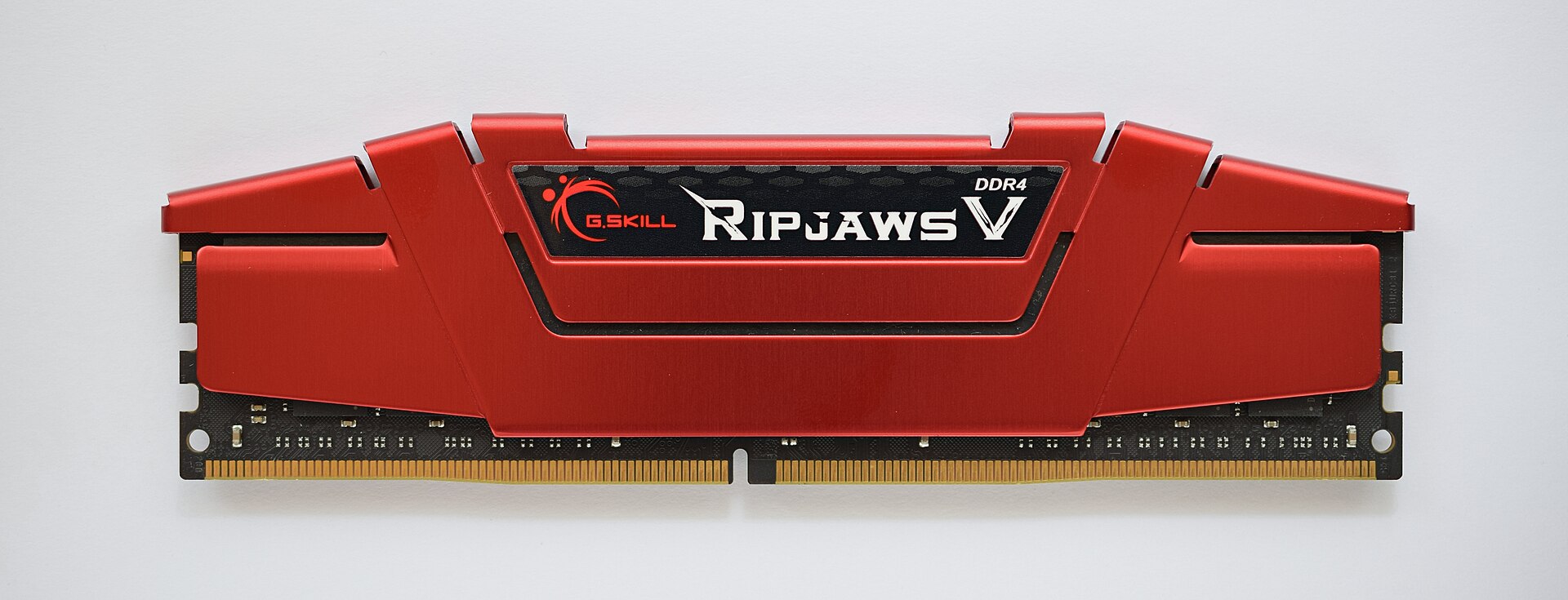
Figure 22.1 — RAM is limited. Sharing one copy of a DLL's code among many programs saves a lot of it. Photo: ElooKoN, CC BY-SA 4.0, via Wikimedia Commons.

Benefit 2: Update in one place. If a bug is found in a shared DLL, Microsoft fixes that one file. Every program that uses it gets the fix the next time it starts. With no DLLs, every single program would need its own update.
Benefit 3: Smaller programs. The EXE does not need to carry a copy of all the library code, so it is smaller on disk and downloads faster.
Benefit 4: Reuse and teamwork. Teams can build parts of a big program as separate DLLs. A program can also load a DLL only when it needs a rare feature (for example, a printing module), instead of paying for it at every start.
Tip: The sharing of code pages is why Task Manager can show a program using "50 MB" while the total RAM used by ten such programs is much less than 500 MB.
1.3 Who Uses DLLs? A Quick Tour
What it is: DLLs are everywhere in Windows. A few that every Windows user depends on:
| DLL | What lives inside (simple version) |
|---|---|
ntdll.dll | The lowest user-mode layer. It talks to the kernel and holds the loader (Section 3) |
kernel32.dll | Files, memory, processes, threads, LoadLibrary |
user32.dll | Windows, menus, mouse and keyboard messages |
gdi32.dll | Drawing text and shapes on screen |
advapi32.dll | Registry and security functions |
ws2_32.dll | Network sockets |
vcruntime140.dll | Helper code for programs built with Visual C++ (hedge: exact name depends on the version) |
You will look at the Windows API layers in Chapter 23. For now, remember: DLLs are the delivery vehicle for the Windows API.
Windows-specific tip: On a 64-bit Windows, C:\Windows\System32 holds the 64-bit DLLs, and C:\Windows\SysWOW64 holds the 32-bit ones. The names are confusing (a historical accident), but remember: a 64-bit program can only load 64-bit DLLs, and a 32-bit program can only load 32-bit DLLs.
Summary
| Topic | Remember this |
|---|---|
| DLL | A library file of code, data and resources that many programs share at run time |
| File format | PE, the same as an EXE, but a DLL offers exports instead of a start button |
| Saves RAM | Read-only code pages are mapped from one file and shared between processes |
| Update once | Fix the DLL and all programs benefit |
| Smaller EXEs | Library code lives outside the program |
| Bitness | 64-bit programs load 64-bit DLLs, 32-bit load 32-bit |